Small MS4 Essentials
Organize a very small program
$1,499 / year
plus applicable taxes
Sites, inspections, tasks, basic IDDE tracking, event logs, and a basic readiness dashboard. Self-service setup for up to two users.
See plan detailsPricing
Built around inspections, evidence, follow-up tasks, notices, and annual reporting.
Choose a plan for the workflows and users your Phase II program needs. Start with basic records, run a dedicated inspection team, or bring annual reporting and the broader MS4 program into one workspace. Configuration tools are included with every annual plan; custom engineering is scoped separately.
Prices below are annual and exclude applicable taxes. Larger teams, complex data imports, and agency-specific requirements receive a scoped written quote.
Find your starting point
The entry plans and the full platform cover different workflows. Start with your team's work, then confirm the fit in a walkthrough.
Small MS4 Essentials
$1,499 / year
plus applicable taxes
Sites, inspections, tasks, basic IDDE tracking, event logs, and a basic readiness dashboard. Self-service setup for up to two users.
See plan detailsInspection Starter
$3,499 / year
plus applicable taxes
Sites and contacts, mapping, assignments, inspection records, notice drafts, and enforcement tracking for up to five users.
See plan detailsFull MS4 Platform
From $18,000 / year
plus applicable taxes
The annual reporting workspace and broader MS4 program workflows. User count, onboarding, data imports, and support are scoped in writing.
See plan detailsNeed supervisor workflows and a larger inspection team? Inspection Team is $9,499 / year, plus applicable taxes. Compare every plan.
See it on your own program in a private demonstration before committing to a plan.
| Plan | Best for | Price | Users | Included | Upgrade when |
|---|---|---|---|---|---|
Free Demo | First look at the workspace | $0 No signup, read-only tour | Public demo only |
| Ready to see it on your own permit and data: request a private demonstration, or subscribe to an annual plan |
Small MS4 Essentials | Annual self-service for very small teams | $1,499 / year plus applicable taxes | Up to 2 users |
| More than 2 users, deeper inspection workflows, or done-for-you setup |
Inspection Starter | Small municipal inspection teams | $3,499 / year plus applicable taxes | Up to 5 users |
| Supervisor workflow, team task visibility, or more GIS layers |
Inspection Team | Larger inspection teams | $9,499 / year plus applicable taxes | Larger team workspace · user count scoped before purchase |
| Annual reporting workspace, broader MS4 program in one place, or a team size beyond what fits the scoped workspace |
Gold · Full MS4 Platform Gold | For full MS4 programs | From $18,000 / year plus applicable taxes | Larger team workspace · user count scoped before purchase |
| Multi-department or special integrations quoted around the program |
Public demo only
First look at the workspace
Upgrade when: Ready to see it on your own permit and data: request a private demonstration, or subscribe to an annual plan
Up to 2 users
Annual self-service for very small teams
plus applicable taxes
Upgrade when: More than 2 users, deeper inspection workflows, or done-for-you setup
Up to 5 users
Small municipal inspection teams
plus applicable taxes
Upgrade when: Supervisor workflow, team task visibility, or more GIS layers
Larger team workspace · user count scoped before purchase
Larger inspection teams
plus applicable taxes
Upgrade when: Annual reporting workspace, broader MS4 program in one place, or a team size beyond what fits the scoped workspace
Larger team workspace · user count scoped before purchase
For full MS4 programs
plus applicable taxes
Upgrade when: Multi-department or special integrations quoted around the program
Annual subscriptions, no auto-renewal. We email a renewal invoice 30 to 45 days before your anniversary. Larger deployments and multi-department programs are quoted around the actual program.
Prices shown exclude applicable taxes. Applicable taxes will be added to invoices unless a valid exemption applies. Taxes are calculated based on the customer's billing or service address and added where required by law.
Need a user count between the published tiers, or a procurement-friendly quote? Request invoice and we'll size it around your team.
How checkout works
Small MS4 Essentials and Inspection Starter check out online through Stripe by card or ACH. Inspection Team and Full MS4 Platform are invoiced or quoted around the program.
Need a purchase order, invoice, or W-9? We send a Stripe invoice (PDF, payable by card or ACH) or a letterhead invoice on request, net 30 by default. Request invoice (PO and W-9).
Prices shown exclude applicable taxes. Applicable taxes will be added to invoices unless a valid exemption applies. Taxes are calculated based on the customer's billing or service address and added where required by law.
Annual subscription, no auto-renewal. Refunds and terms: see Terms. Privacy: see Privacy.
Pricing FAQ
Most small Phase II programs start with Small MS4 Essentials ($1,499 / year, up to 2 users) when one or two staff need a structured workspace for inspections, IDDE, and reporting evidence. Programs with a larger field team start with Inspection Starter ($3,499 / year, up to 5 users). Larger Phase II teams, multi-team public works programs, and programs that need bulk data or complex GIS scope receive a scoped quote rather than the public checkout. Not sure? Request a private demonstration and we will walk through your own workflows before you choose.
Both. Small MS4 Essentials and Inspection Starter can be purchased by card or ACH through Stripe. Municipalities that need an invoice, purchase order, W-9, or short order form can request one before payment by emailing admin@npdestracker.com. Stripe invoice (PDF, payable by card or ACH) or a letterhead invoice, net 30 by default. Inspection Team and Full MS4 Platform are invoiced or quoted around the program; a short order form is provided with the invoice.
Online self-service purchases include a 30-day satisfaction guarantee. If NPDESTracker is not a fit, email admin@npdestracker.com within 30 days of purchase. Refunds may be limited or unavailable after paid setup, bulk import, custom configuration, custom implementation, or substantial production use has begun. Quoted plans follow the refund terms in their order form or invoice. Full refund policy is on the Terms page.
No. Annual subscriptions do not auto-renew. We email a renewal invoice 30 to 45 days before your anniversary so the agency can decide whether to continue, and there is no penalty for non-renewal beyond loss of workspace access after the subscription period ends. Quoted plans follow the renewal terms in their order form. Full policy on the Terms page, Section 12.
After checkout, you'll continue to workspace setup. Submit your agency details (municipality, plan, primary contact, permit framework, and the workflow you want to start with). NPDESTracker starts the workspace and sends the admin invite email. From there, the admin sets a password and lands in the workspace setup view. Exports are available in supported formats for modules included in the order; scope is confirmed during setup, and supported customer records remain exportable through the subscription period.
Email support is included. We aim to send an initial email response within 24 hours. The initial response may confirm receipt, provide an update, or request more information; it does not guarantee resolution within 24 hours. Resolution time varies based on severity, complexity, customer cooperation, and third-party services. Small MS4 Essentials and Inspection Starter are self-service plans with email and ticket support. Phone calls, live meetings, done-for-you configuration, bulk data migration, custom implementation, and custom engineering are not included on these plans unless purchased separately or listed in an order form. On Inspection Team and Full MS4 Platform, guided support is coordinated through the agency's designated project lead. Additional onboarding, training, imports, or configuration work can be scoped separately. No 24/7 support, guaranteed resolution time, uptime SLA, or service credits are included unless stated in a signed order form.
Yes. CSV is supported for tabular records like sites, contacts, and structures with lat/lon. GeoJSON and shapefile are supported for spatial layers like outfalls, BMPs, and drainage assets. WGS84 is the standard coordinate system. Self-service imports use a guided template with column mapping inside the workspace. Bulk migration is scoped during onboarding on Inspection Team and Full MS4 Platform. See the data import guide on /docs/data-import.
Import and export formats depend on the selected modules and written order. Where supported, formats may include CSV, GeoJSON, or shapefile. Confirm required coordinate systems, field mappings, and interchange formats during setup.
Yes. Supported customer records remain exportable through the subscription period in the formats available for modules included in the order. Audit-log exports are module-specific and confirmed during procurement.
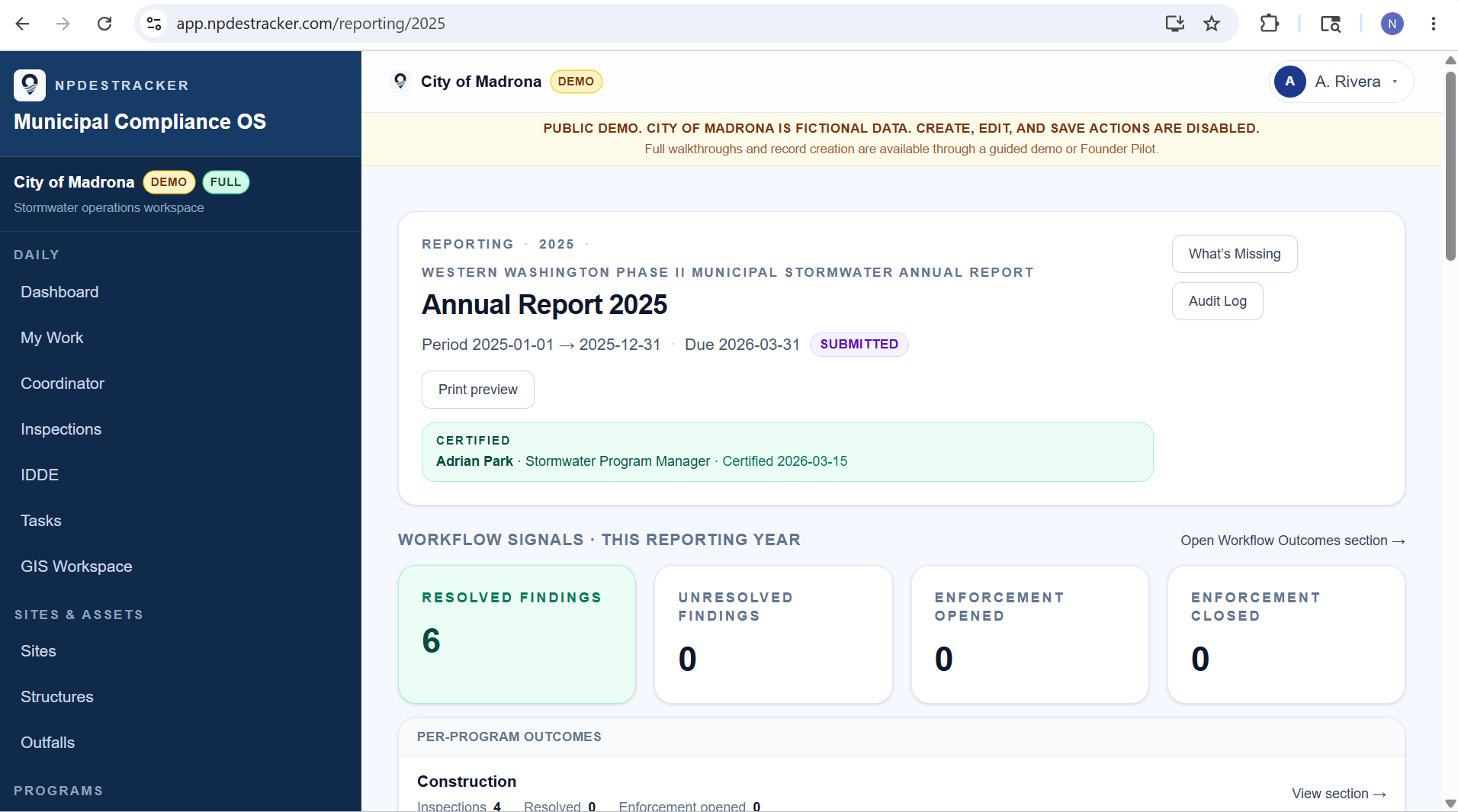
No. The public sample workspace is a read-only tour of Dashboard, My Work, Coordinator, Inspections, Sites, Outfalls, Contacts, Organizations, Tasks, Map, and read-only Setup on a fully populated, fictional City of Madrona Phase II program. No real city's records, contacts, or sites are exposed. Nothing can be created, edited, saved, or sent; Messages & Notices and Annual Reporting are locked. No signup, live municipal data, email delivery, or agency submission. See /docs/getting-started for what is walked through on request.
No. NPDESTracker does not use customer data to train models. Optional drafting tools are not enabled by default and are scoped separately if requested.
No. NPDESTracker does not provide inspector productivity scores, keystroke logging, location tracking outside the inspection record itself, or staff ranking dashboards. Per-record attribution and timestamps exist for audit purposes, not as performance metrics.
No. We do not run cross-tenant analytics, anonymized benchmarks, or industry-comparison reports across customers. Each agency's records stay inside its own tenant workspace. Operational analytics surfaces like MS4 Metrics, the audit log workspace, IDDE response timelines, and readiness rollups run on your own records only.
The admin role manages billing details inside the workspace and contacts admin@npdestracker.com for changes. Self-service plans (Small MS4 Essentials, Inspection Starter) pay by card or ACH through Stripe. Invoiced plans (Inspection Team, Full MS4 Platform) use a written order form.
After checkout you continue to workspace setup. Submit your agency details (municipality, plan, primary contact, permit framework, the workflow you want to start with). NPDESTracker starts the workspace and sends the admin invite email. The admin sets a password and lands in the workspace setup view. The 30-day implementation plan is on /implementation.
A site list (CSV with address, parcel, classification), a contact roster (CSV), any existing GIS layers (GeoJSON or shapefile) for outfalls, BMPs, and structures, your permit framework reference, and a designated admin user. The full pre-onboarding checklist is on /implementation.
For larger Phase II programs and multi-team public works programs, we scope the deployment first so user count, data import, GIS needs, support time, and workflow scope are clear before purchase. Programs that need bulk data migration or complex GIS import receive a scoped quote, not the public checkout. NPDESTracker is designed first for small and midsize Phase II public works, engineering, and stormwater teams, and is not presently positioned as a replacement for enterprise asset management, utility-wide work-order systems, authoritative municipal GIS, or government submission portals. Email admin@npdestracker.com with the agency, permit framework, expected user count, and GIS or data-import scope, and we'll issue a written order form.
Published prices are starting points for standard small Phase II workspaces. Larger Phase II teams, multi-team public works programs, complex GIS/data imports, or multi-team deployments receive a scoped quote based on module scope, onboarding support, data import needs, team size, procurement requirements, and budget constraints. If a published tier is close but not exact, email admin@npdestracker.com to request a scoped quote. Stripe checkout pages remain the canonical purchase path for the two self-service annual tiers; scoped quotes are issued by written order form.
Other questions? Email admin@npdestracker.com.
Buying and procurement
Need vendor setup information? Email admin@npdestracker.com for W-9, invoice, security, privacy, or procurement questions. Exports are available in supported formats for modules included in the order; scope is confirmed during setup.
Trust pages: Security · Privacy · Terms · Smart Draft disclosure. Operated by Wood Technologies LLC.
Running a Phase II program out of public works, engineering, or a stormwater team? See how NPDESTracker supports Phase II public works teams and scoped implementation planning.
What you're buying